For the digital image project, I chose to work on my logo/icon for my personal site, “Kay’s Blog.”
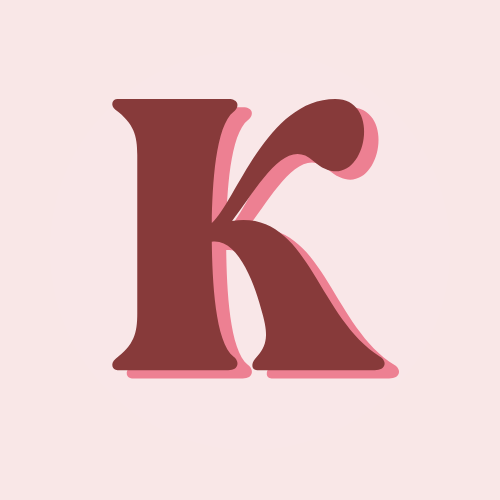
Goals: I knew I wanted my logo to be poppy and bright, I wanted it to share the same energy as I doing my blog posts but also be somewhat classy and simple. I wanted to originally do “Kay’s” written out because that’s what my blogs name is and people refer and spell it that way, but it was too hard to see. I didn’t have an exact image in my head. I knew when I started creating, I’d see something I liked with trial and error.
Images Description: I had fun creating a logo although it took me many tries and hours to do so. I first started with “Kay’s” written out and once I uploaded it immediately saw it was way too tiny to be legible on a computer tab. I started opening random apps on my search bar to see what some did well, and others did not, I liked Canva’s and WordPress and I realized it was because it was one letter and chose a bold color and subtle background. That’s why I chose to do a bold letter “K” instead of my name written out. Once I modified it and uploaded it to my site, I liked it much better and thought it stood out compared to the other tabs. I went for a bubbly font because it’s a page about me, so I wanted my logo to grab a personality shot. I plan to modify my site’s actual theme to match my logo as well, but for now, I think everything goes well together.
Methodology:
I created my images using Canva, I chose Canva because I am the most familiar with that site and I think it has lots of fun fonts and templates to go off of that mediocre tech savvy people (like me) can experiment and create with! I chose the logo template, which started off circular and then I modified it and made it a square logo.